

Installation
Install and use the @form-create/arco-design component library in browser or npm environments.
Note
If you encounter issues, please update the UI framework and FormCreate to the latest version.
NPM
Installation
We recommend installing via npm for better compatibility with webpack.
sh
npm i @form-create/arco-design@^3
npm i @arco-design/web-vue
Import and Mount
js
// Import form-create component library
import formCreate from '@form-create/arco-design';
import ArcoVue from '@arco-design/web-vue';
import '@arco-design/web-vue/dist/arco.css';
// Create Vue application
const app = Vue.createApp({});
app.use(formCreate);
app.use(ArcoVue)
app.mount('#app');Create Form
vue
<template>
    <form-create :rule="rule" v-model:api="fApi" :option="options" />
</template>
<script setup>
    import { ref } from 'vue';
    const fApi = ref({});
    const options = ref({
        onSubmit: (formData) => {
            alert(JSON.stringify(formData));
        },
        resetBtn: true,
    });
    const rule = ref([
        {
            type: 'input',
            field: 'goods_name',
            title: 'Product Name',
            value: 'form-create',
        },
        {
            type: 'checkbox',
            field: 'label',
            title: 'Label',
            value: [0, 1, 2, 3],
            options: [
                { label: 'Easy to Use', value: 0 },
                { label: 'Fast', value: 1 },
                { label: 'Efficient', value: 2 },
                { label: 'All-in-One', value: 3 },
            ],
        },
    ]);
</script>
Compatibility
- arco-design
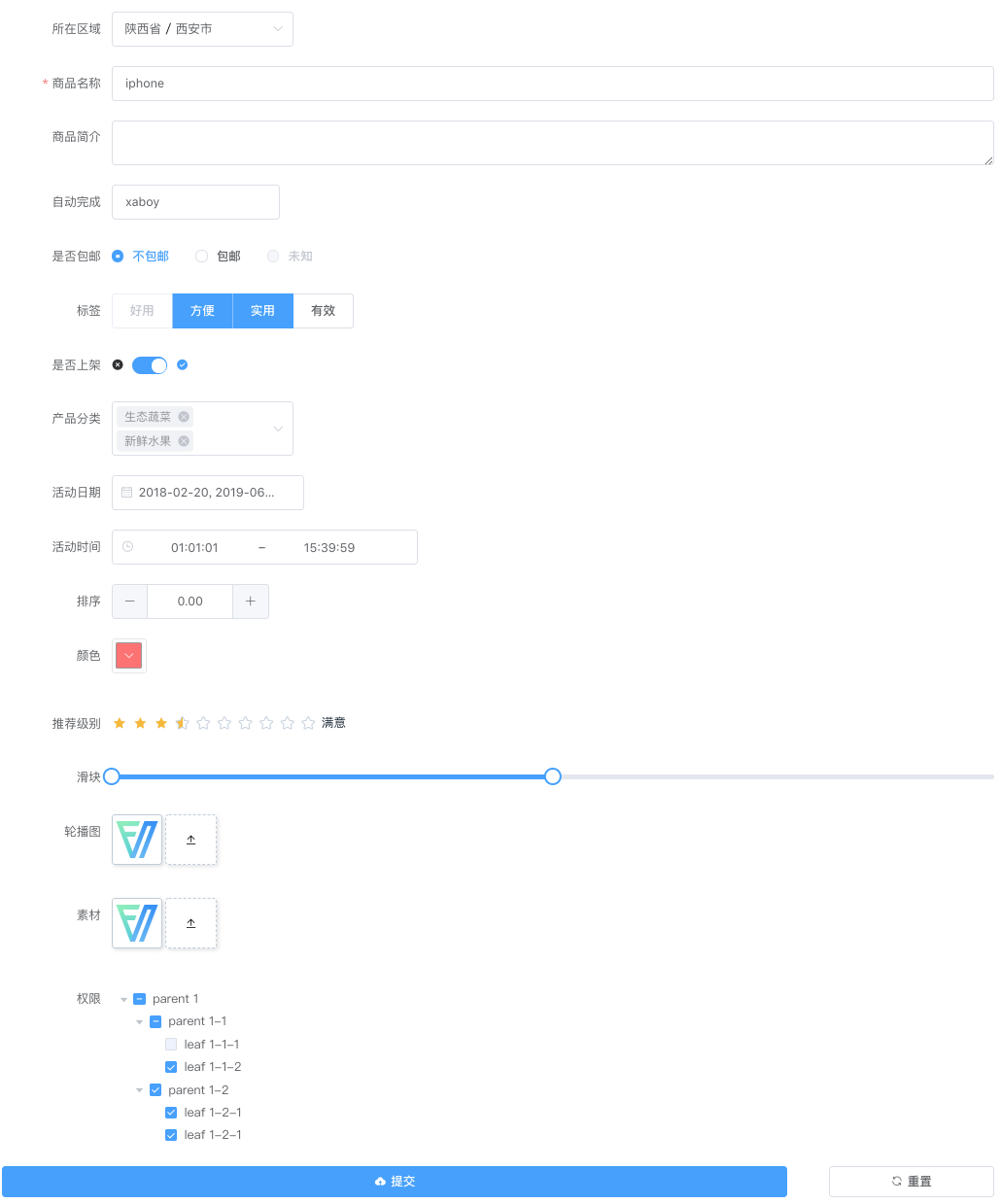
Legend